Choose how closely you want to review releases
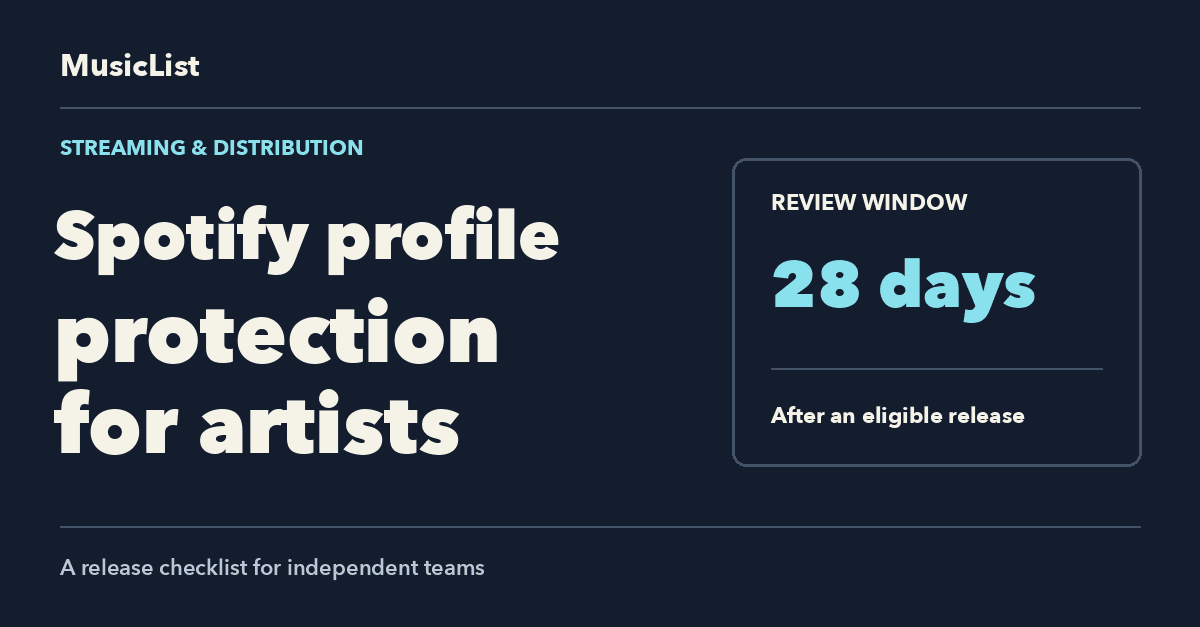
In the default Review releases mode, Spotify notifies you when new music is delivered with your name attached. Eligible releases go live on schedule if you take no action. Spotify says you can remove yourself from an eligible release before it goes live or for up to 28 days afterward. Artist team Admins and Editors can manage the setting in Spotify for Artists.[2]
Spotify’s help center still describes the optional Block releases setting as limited to some artists. Where it’s available, a release that needs your approval can go live without your credit or miss its release date, depending on your role. Spotify says approval can take up to 24 hours to process. An artist who has a namesake and sees frequent mix-ups has a reason to consider blocking. A small team that regularly guests on other people’s records may prefer to start with Review while it establishes who checks deliveries.[2]
What the DistroKid connection changes
If Block is available and enabled for your artist profile, DistroKid can connect to Spotify from its upload form. A Spotify team Admin or Editor authorizes the connection, and DistroKid says eligible sends from that account can be pre-approved. Review mode works without connecting the accounts. Keep a manual approval plan for music delivered by a different label or distributor, and check with that provider if a delivery is missing or looks unfamiliar.[3][4][2]
Take a Friday single with a featured artist whose own profile uses Block. It is possible for the main artist’s release and the guest’s credit to have different approval outcomes. Spotify says a guest’s pending approval can leave them off the release, while a main artist’s pending approval can hold the release itself. Before you book promotion, ask each artist’s team who can check Spotify for Artists. Save the correct artist profile links and the delivery date in the release notes your collaborators already share.[2]
Add three checks to your release calendar
Once the release is delivered, use the Review tab to compare the title, planned date and listed artist with the distributor’s delivery record. If the provider name looks different from what you expected, confirm it with your distributor first. Set an internal review deadline that leaves time for processing and a correction.[2]
Choose an approver and a backup who have access to the correct Spotify artist team. Confirm what settings are available on that profile before planning around them.[2]
Check whether the distributor has pre-approved this delivery. Give yourself more than 24 hours if the release requires manual approval.[2][4]
On release day, confirm the track and expected credits are visible on the right profile. If a mismatched release appears on another platform, contact the distributor about that platform separately.[1][2]
MusicList
Your music belongs here.
Artists, musicians and music-industry professionals: claim your free profile to unlock smartlinks, a shareable press kit, and direct booking inquiries.
Find my profile